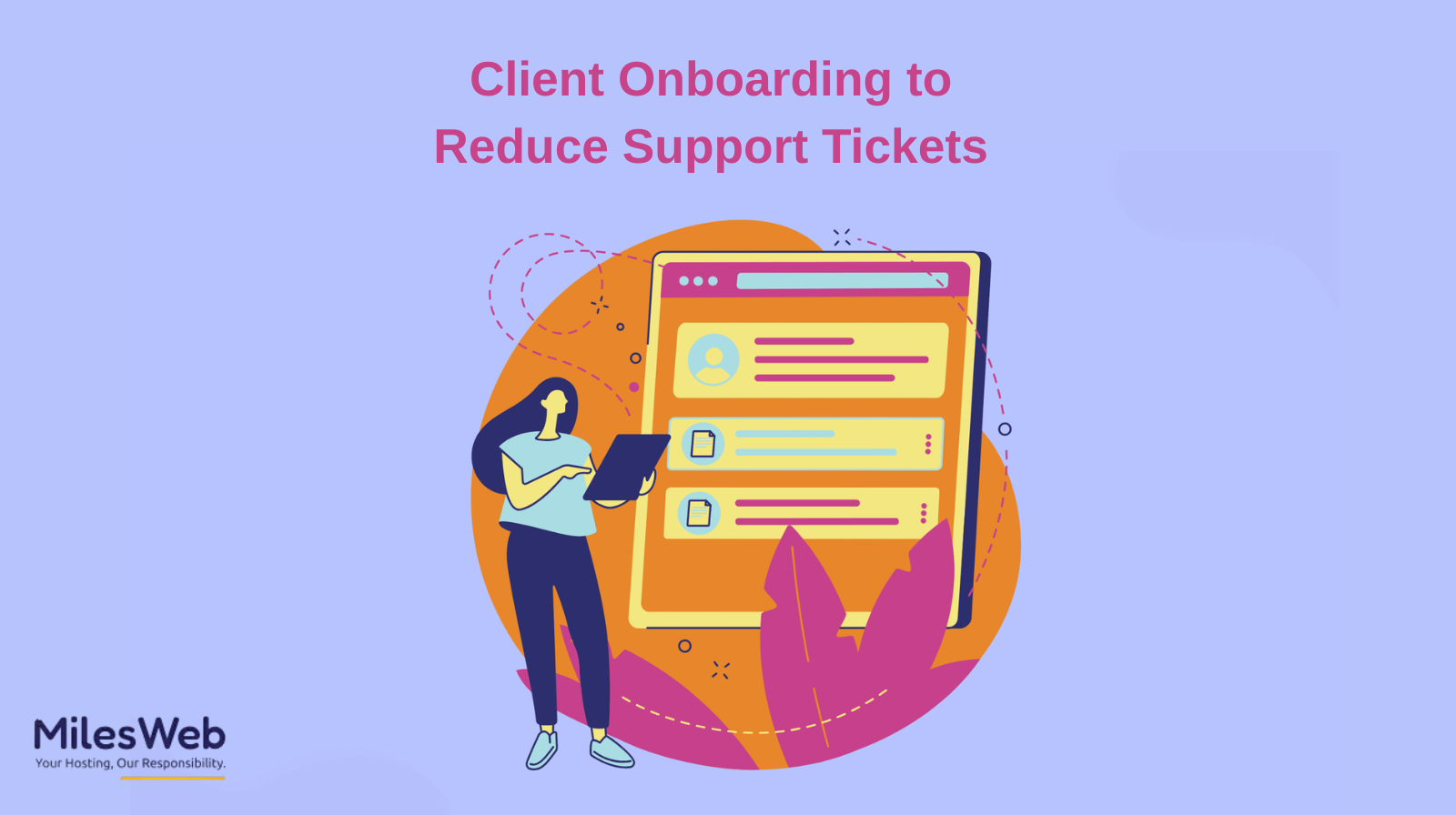
Client Onboarding to Reduce Support Tickets
Congratulations! You have successfully launched your low-cost reseller hosting website! While the celebration starts now, the real work begins with managing your users. To avoid a post-launch support nightmare, you must realize that most tickets are actually born during the setup phase. By fixing gaps in your onboarding now, you stop those questions before they ever reach your inbox.
Poor onboarding causes three main problems: users don't know how to use the product correctly, they expect more than the service agreement offers, and they repeatedly ask support the same basic questions. When onboarding is intentional, clear, and structured, the number of support requests from clients is reduced.
Client onboarding that is effective doesn't involve bombarding them with a library of documentation. It focuses on providing clients with detailed guidance in using the service (especially Linux reseller hosting in India prior to them encountering problems. By designing a successful onboarding experience, clients' long-term support demand decreases, their confidence increases, and the associated friction is reduced.
Onboarding and support tickets corelation
The majority of support tickets are not caused by a technical issue with the product but rather by uncertainty.
Clients turn to support for assistance when they are unclear about what to do regarding the steps of setup, what features to use, what the client has access to, and what they should expect. Repeated questions asked in support tickets indicate that the onboarding process is not streamlined for the client.
The client's interaction with the product/service is determined by his/her experience with the onboarding process. If the onboarding process handles common questions in advance, the client can become less reliant on reactive support.
Clearly define expectations up front
One of the largest contributors to support tickets is the result of misaligned expectations.
Clients must have a clear understanding of what is included in the service or product, what is not included, and most importantly, how the responsibilities are separated between both parties. Without such clarity, the client will have unnecessary frustration when communicating with the support team regarding their question or issue.
Establishing key expectations early on will clarify the following:
• The scope of features and services.
• Who is responsible for what setup and the range of time involved?
• What the channels of support will look like and how long it will take to receive responses?
Clients who understand what to expect at the outset are less likely to submit a ticket requesting assistance for items outside of the shared expectation.
Structure the onboarding journey
When developing an onboarding plan, create a road map with distinct milestones rather than provide all information in one large dump. The phased approach gives clients the opportunity to learn gradually while developing their skill set. Each phase should culminate at a predetermined milestone and include the first two things clients need to know in order to enable them to use the tool successfully.
The short bursts of information enable the client to absorb and retain the new knowledge within the designated timeframe, minimizing the potential for confusion later on, which could lead to submitting support requests.
Provide context prior to instruction
Some clients make the mistake of jumping right into the “how-to” information flowing freely from them with no proper context or rationale as to why. If clients are properly informed as to what and why they are being instructed to do something, the chances of success improve greatly.
Proper context also enables clients to make informed decisions rather than blindly following steps. Understanding how the tool integrates into their workflow, and in what capacity, promotes proper methodology to avoid misuse and unnecessary confusion that may cause them to submit requests for further clarification.
Create visual and interactive resources
Documentation that relies heavily on text doesn't get read.
Video-based walkthroughs, interactive checklists, and even short video tutorials are effective at improving understanding. Clients can easily follow the steps because they can see them rather than read a long explanation.
The use of screenshots, accompanied by notes, is helpful in eliminating hundreds of repeat support inquiries.
Plan for common questions ahead of time
Every product and service has friction points that are relatively predictable.
A good support team can identify and address the most frequently asked questions during the onboarding phase of the process. Answering common questions before they become an issue (i.e., a ticket creation) reduces the overall number of support inquiries that may arise.
Examples of things that need clarification include:
• Issues related to first-time logins
• Errors related to configuration
• Limitations or dependencies related to features
Identifying potential issues puts clients at ease and allows them to see that they have something to fall back on if they encounter a problem at a later time.
Have minimal contact points
Your failure to establish clear lines of communication creates needless additional tickets.
Clients must know who to contact for help with the issues they encounter. Since onboarding questions are different from technical or billing questions. If you give users too many ways to reach out, they get confused, and your team accidentally ends up doing the same work twice on a single ticket.
By establishing clear paths for clients to follow, support personnel can eliminate duplicate tickets and resolve them quickly when technical assistance is required.
Reinforce learning after onboarding
It has been found that the best way to preserve a relationship between the two parties is to create continual communication. This strengthens the understanding of the onboarding process. For example, send a follow-up email or provide the client with summary documents. These types of communications help clients keep track of the onboarding process and the necessary support.
If you want fewer support tickets, you need to measure your onboarding. Knowing what's working (and what isn't) helps you teach users how to use your product correctly. This can be accomplished by reviewing the data collected during the support process.
Why does this approach reduce support tickets?
Your clients benefit from the onboarding process; it increases the value of your customer service teams. When users understand your product from day one, your staff doesn't have to waste hours answering the same basic questions.
The effectiveness of the onboarding process can be enhanced through:
• Improving the support efficiency
• Increasing the satisfaction of your clients
• Increased long-term retention of clients
Conclusion
The process of reducing support tickets does not begin by adding support agents but rather by providing a better onboarding experience.
With clear, well-structured, and customer-centered onboarding, users make fewer errors, ask fewer repetitive questions, and feel secure in using the product or service.
Ultimately, good onboarding is not only a strategy for providing greater customer support; it is also for helping customers grow and enabling your own team to grow as well.