E-Paper CMS
  • Home
  • E-Paper
  • Web Stories
Subscriber Login
Menu
HomeBlog
Blog

The First Backup Plugin with Free Native Cloud Storage
admin Apr 09, 2026 3 views
The First Backup Plugin with Free Native Cloud Storage
Listen to this articleReady

Website backups are among the most essential safeguards for any WordPress site. Updates don’t always go as planned, plugins can clash, and unexpected issues like security breaches or server downtime can occur at any time. In those situations, having a recent backup can mean restoring your site in minutes instead of rebuilding everything from the ground up.
Traditionally, WordPress backup plugins have relied on third-party cloud services such as Google Drive or Dropbox to store off-site copies. While effective, this setup requires connecting to external accounts and managing multiple platforms simultaneously.
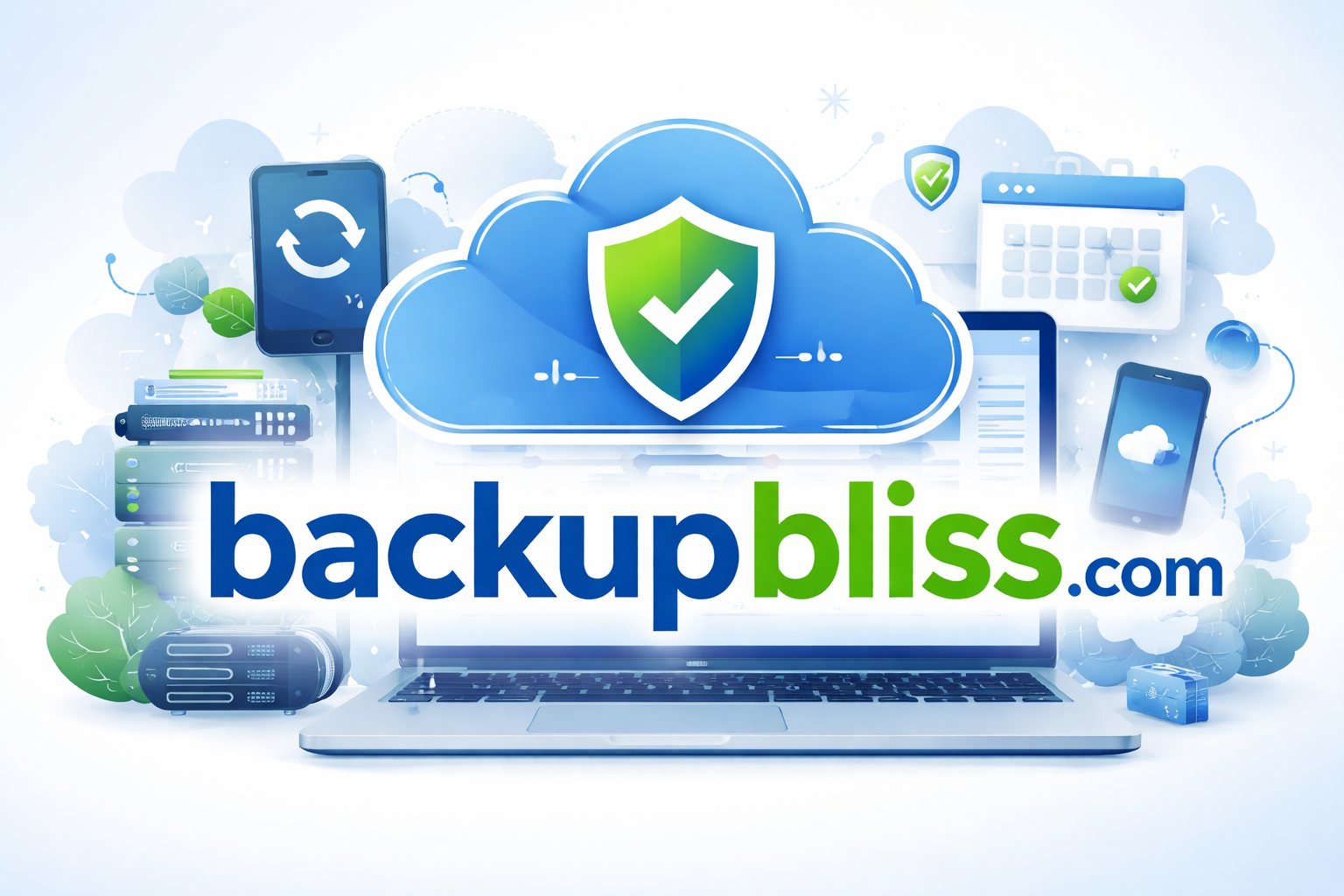
Backup Migration plugin introduces a different approach. It is the first WordPress backup plugin to include its own built-in cloud storage solution, BackupBliss, available at no cost. Instead of relying entirely on external providers, users can store their backups in a secure environment created specifically for WordPress data.
Automatic And Manual Backups In A Couple Of Clicks
Getting started with Backup Migration is quick and simple. After installing and activating the plugin from the official WordPress repository, you can begin creating backups right away using its pre-configured default settings. The interface is designed for ease of use, allowing you to generate a full backup with a single click.
For ongoing protection, enabling scheduled backups is highly recommended. The plugin allows you to automate the process by setting up recurring backups that run quietly in the background. Many users opt for weekly full-site backups by default, though the frequency can be adjusted based on how often the site content changes.
Once scheduling is enabled, backups are created automatically at the defined intervals. These files can then be sent to your chosen storage destination, ensuring your data is safely stored outside your hosting environment.
BackupBliss Cloud Storage Connection
To use BackupBliss, you first need to create a free account (does not require a credit card!), which provides 1GB of storage. After signing up, you should generate an API key to securely link your cloud storage with the Backup Migration plugin.
Within the plugin settings, go to the section labeled “Where shall the backup(s) be stored?”, select BackupBliss, and enter your API key to establish the connection.
From that moment on, backups will be automatically uploaded to your BackupBliss cloud space. This ensures your data remains safe and accessible, even if your website or hosting server encounters issues.
A Streamlined Way to Secure Your Site
GET THIS DISCOUNT "WPWEBSMARTZBACKUP20"
Backups should be reliable without being complicated. With automated scheduling, an easy setup process, and integrated BackupBliss cloud storage, Backup Migration simplifies website protection.
By combining a robust backup solution with its own dedicated cloud storage, it introduces a more efficient way to handle WordPress backups. In just a few minutes, you can set up secure, automated off-site backups that continue running in the background, keeping your website protected at all times.
Latest posts

Introducing the Power of AI-Powered GetResponse Email Newsletter:Best Email Marketing Software: A Comprehensive Comparison for Empowering Your Marketing EffortsHow to Make Sure Emails Don't Go to Spam? SMTP Using Amazon SESSend WordPress contact email with WP Mail SMTP ProTop 5 Email Marketing Service Provider for Small Business Marketers

Popular posts

01How to easily set up a Google Analytics Stats Dashboard on WordPress 10 views02How To Easily Set Up Form Conversion Tracking in WordPress (Google Analytics) 0 views03Do You Know Which Keywords People Use To Find Your Website on Google? 0 views04MonsterInsights: Track your Website by Google Analytics inside WordPress Dashboard 0 views

Cricket scores

No cricket matches are available.

Weather

Weather26°
Feels like
28°
Humidity
69%
Wind
11 km/h

Latest e-paper

E-Paper

2026-10-12

Facebook

Instagram

New edition: | 12 Oct 2026 Read now: https://200.wpwebsmartz.com/view.php?id=812 Oct 2026Discover a dedicated solution for digital newspaper management with the WPWebsmartz E-Paper CMS. This content management system is specifically designed for managing and publishing digital e-paper editions. Watch this video to explore the core capabilities of the WPWebsmartz E-Paper CMS for digital publishing and newspaper management. Learn more here: https://license.wpwebsmartz.com/epaper_standalone.php #WPWebsmartz #EPaper #EPaperCMS #DigitalPublishing #CMS #NewspaperCMS https://www.youtube.com/watch?v=vb34qg709OQ07 Oct 2026Discover the WPWebsmartz E paper CMS. Explore the dedicated system designed for managing and publishing your e-paper content online. Click the link to learn more about the features and capabilities of WPWebsmartz E paper CMS today. #WPWebsmartz #Epaper #CMS #DigitalPublishing https://license.wpwebsmartz.com/epaper_standalone.php07 Oct 2026Discover the WPWebsmartz E paper CMS. Explore the dedicated system designed for managing and publishing your e-paper content online. Click the link to learn more about the features and capabilities of WPWebsmartz E paper CMS today. #WPWebsmartz #Epaper #CMS #DigitalPublishing https://license.wpwebsmartz.com/epaper_standalone.php07 Oct 2026Are you looking for fully managed dedicated server hosting? A managed dedicated server is always required to get the best performance for your platform. Check out our full Liquid Web Managed Dedicated Server Hosting review to learn more. #LiquidWeb #DedicatedServer #WebHosting #ManagedHosting #HostingReview https://wpwebsmartz.com/liquidweb-fully-managed-dedicated-server-hosting/03 Oct 2026

YouTube

Add the YouTube URL or content URLs in Settings → Articles.

Featured posts

Top Staff Augmentation Companies in India
How Does WooCommerce Product Gallery Support Self-Hosted and Vimeo Videos?The Role of Server-Level Caching in WordPress PerformanceWhy Your Website Needs a Security Plan, Even If You Don't Handle Payments?Why Colour Choices Matter in Web Design

Horoscope

♈ಮೇಷ♉ವೃಷಭ♊ಮಿಥುನ♋ಕರ್ಕಾಟಕ♌ಸಿಂಹ♍ಕನ್ಯಾ♎ತುಲಾ♏ವೃಶ್ಚಿಕ♐ಧನು♑ಮಕರ♒ಕುಂಭ♓ಮೀನು

E-Paper clips

The latest editions do not contain hotspot clips yet.

Web Stories

8 slidesData-Safe WordPress Hosting with Built-In Backup Support 

Reader Survey

Reader Survey

Register your interest and tell us how to contact you.

Your name
Your email address
Which session will you attend?

Related Stories

Dedicated Servers vs Cloud Servers: Which Is Better for High-Traffic Websites in 2026?
Blog

Dedicated Servers vs Cloud Servers: Which Is Better for High-Traffic Websites in 2026?

A sudden traffic spike can be great for your business, but not if your server cannot keep up. As visitors increase, so do database queries, concurrent connections and resource usage. That is where the choice between a dedicated server and a cloud server starts to matter. Cloud servers give you the flexibility to scale

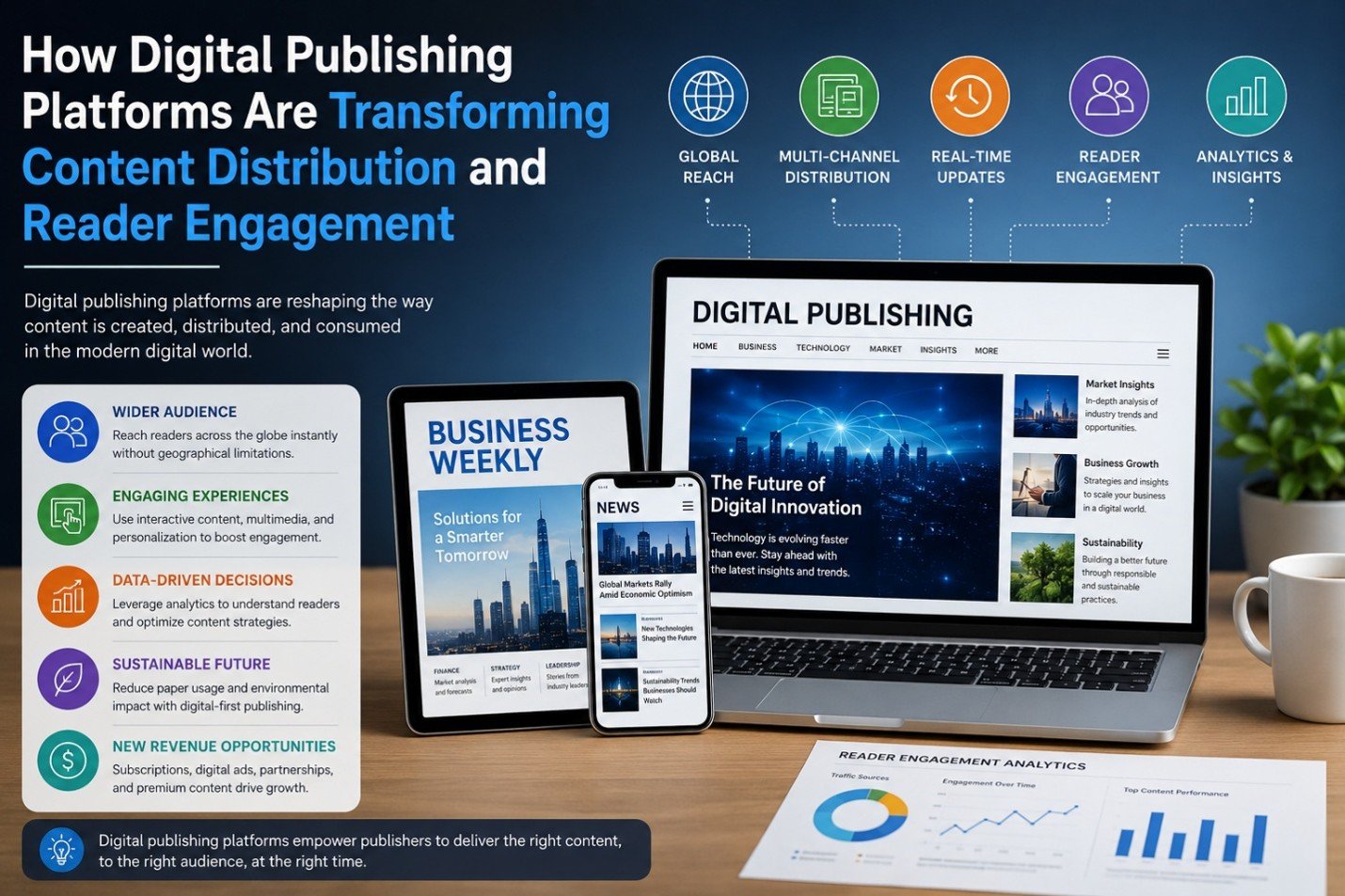
How Digital Publishing Platforms Are Transforming Content Distribution and Reader Engagement
Blog

How Digital Publishing Platforms Are Transforming Content Distribution and Reader Engagement

The past decade has witnessed phenomenal shifts in the publishing sector. Digital publishing solutions continue to support – and in many cases, transform - print-centric solutions for providing information across business and media applications ranging from business, news and trade magazines to ebooks. The solutions al

The Impact of AI on SEO and Content Marketing
Blog

The Impact of AI on SEO and Content Marketing

The Impact of AI on SEO and Content Marketing

How to Create a Better Ordering Process for Personalized Products
Blog

How to Create a Better Ordering Process for Personalized Products

Have you ever been excited to buy something personalized, only to get stuck halfway through the ordering process and think, “I'll come back to this later”? Most people never come back. That’s the frustrating part. The customer already wants the product. They aren’t comparing ten competitors. They aren’t debating whethe

Why Every WooCommerce Store Needs a Side Cart
Blog

Why Every WooCommerce Store Needs a Side Cart

Have you ever added something to an online cart and then been immediately redirected to a completely different page? It’s frustrating. You were browsing and comparing products and maybe thinking about buying a few more items. Then suddenly, you’re staring at the cart page instead of the products you wanted to keep expl

Top Staff Augmentation Companies in India
Blog

Top Staff Augmentation Companies in India

Quick Summary India has emerged as an international center for staff augmentation services and is a source of competent talent at affordable prices. This blog points out the best companies that are identified in terms of reliability, scalability, and technical skills. Regardless of whether it is a startup or an enterpr

Latest NewsLive updates
  • Home
  • E-Paper
  • Web Stories
Logo

© 2025 E-Paper CMS. All rights reserved. | Developed by sunilubar.974@gmail.com

Epaper CMS by WPWebsmartz