
Best WordPress Survey Plugins-2023

In today's digital landscape, many websites are integrating survey forms to solicit valuable feedback from their visitors regarding products or services. WordPress, a versatile platform, facilitates the creation of surveys by allowing the installation of various plugins. The internet offers a plethora of survey plugins tailored for WordPress.
Are you eager to gauge customer sentiments and collect insights about your products or services but uncertain about the means to obtain feedback? There are numerous methods available for gathering user input on your website, such as contact forms, polls, and more. However, if you are leaning towards the survey approach, this article is tailored for you. It offers a robust solution, allowing you to tailor questions and collect information precisely as desired.
This article exclusively focuses on survey plugins designed for WordPress.
A standout survey plugin is one that is user-friendly, making it accessible even to beginners. It boasts an appealing design, ensuring ease of use. Furthermore, it enables the storage of user-entered data with export options, allowing you to save this information to your local machine or share it on your social networks. If you aspire to incorporate these comprehensive features on your website, the installation of the appropriate plugin is imperative.
Now, let's explore some of the finest WordPress survey plugins available in the industry."
1. Survey Maker Plugin
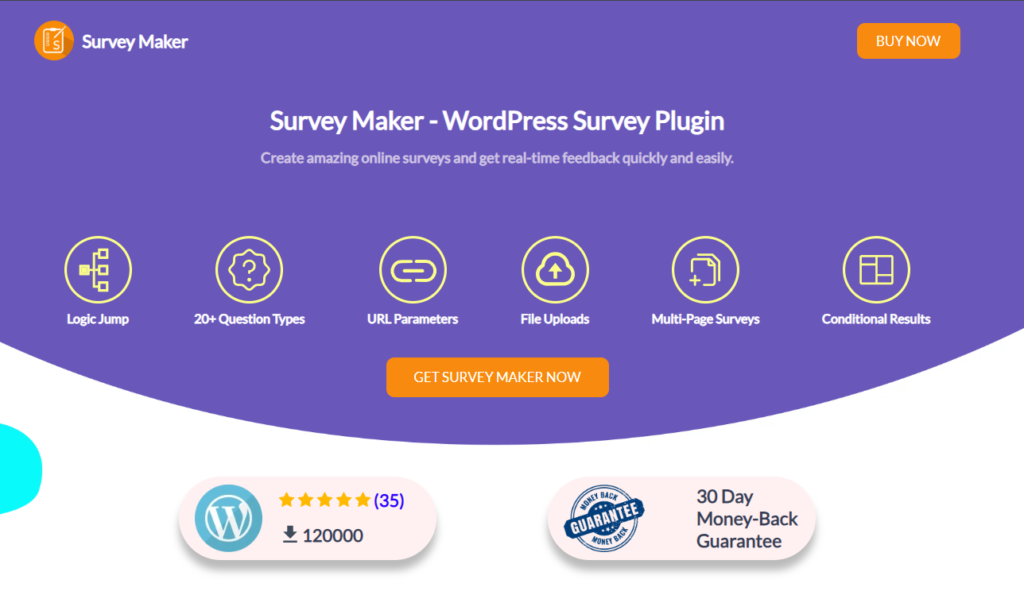
WordPress Survey plugin is one of the best survey maker plugins on WordPress that allows you to collect valuable data from a set of users. It is very beginner-friendly and does not require any coding skills. The plugin offers a great deal of various survey templates that are fully customizable. The only thing remaining is to write the necessary survey questions, or you can import existing question sets and customize the templates according to your needs. You can create not only usual question-answer surveys but also display them in chat mode, popup form, or create conditional surveys that will maximize the benefits of your survey. The survey maker allows you to create unlimited questions, sections, and surveys. Besides, it has the feature to make surveys anonymous, export and import surveys, get clean and detailed insights, design a contact form in a few minutes, and so on.
The features get even more with the premium version. You can use the 22 question types, send emails to survey takers and admin, integrate Google Sheets, Zapier, Mailchimp, or other software, and many options to limit the survey taking based on attempt count, user roles, etc. Hence, if you need to create advanced surveys, do not waste your time; use the Survey Maker plugin and develop high-level surveys in an unimaginably short time.
2. Formidable Forms
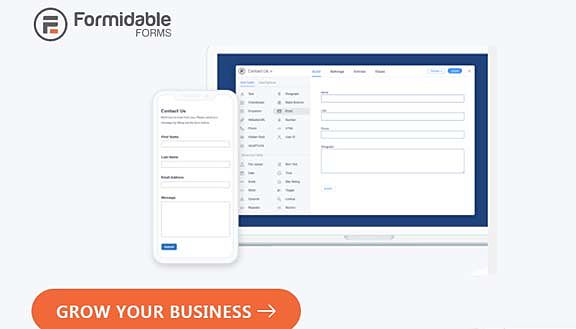
Formidable Forms stands out as a highly effective WordPress contact form plugin, offering versatile form creation capabilities through intuitive drag-and-drop features. This plugin includes a range of pre-built form fields such as Likert scales, checkbox options, radio buttons, dropdown menus, and more. Furthermore, it provides an extensive selection of ready-made form templates that can be easily customized to your specific needs.
One of Formidable Forms' notable strengths lies in its ability to present survey results in the form of visually appealing charts and graphs. This functionality enables users to effortlessly generate eye-catching visuals, including tables, histograms, pie charts, and more, which can be seamlessly integrated into web pages and posts. This simplifies the process of sharing survey reports with your website's audience.
The plugin offers the flexibility to showcase survey results using charts and graphical formats, allowing you to create compelling graphs, tables, histograms, pie charts, and place them anywhere within your web content. This feature empowers you to effectively communicate survey findings to clients and site visitors.
Formidable Forms pricing starts at $99 per year, which may be perceived as relatively costly when compared to similar plugins in the market. However, it is important to note that they back their product with a risk-free 14-day money-back guarantee, providing peace of mind to potential customers.
3. Crowd signal

Crowd Signal exclusively serves as a poll and survey plugin, limiting the creation of other form types typically available through the aforementioned plugins.
One noteworthy advantage is that this plugin is offered free for pro users. However, you will need to establish a WordPress account to obtain the API key. The free version lacks full functionality and includes the Crowd Signal logo in the survey and poll forms.
Polldaddy offers user-friendly functionality with a drag-and-drop tool for survey and poll creation. It provides options to customize survey-sharing settings, results-sharing, and styling for each survey. Additionally, it includes a captcha feature to deter spam and basic IP filtering to prevent multiple responses.
Similarly, this plugin also offers a drag-and-drop interface, albeit with some user confusion. Its design, while reminiscent of the WPForms plugin, does not captivate as effectively.
Pricing for this plugin commences with a free option but comes with limitations. The pro plan includes a 30-day money-back guarantee.
4. Ninja Forms
Ninja Forms
Ninja Forms offers built-in templates that are customizable to suit your blog's niche. Additionally, it boasts a user-friendly drag-and-drop interface.
Utilizing the multi-page form feature allows you to create a survey on the initial page and follow it up with questions on the second page. However, it lacks reporting and data presentation capabilities.
To create forms, access the WordPress dashboard and add the desired fields. Once the form is ready, you can seamlessly incorporate it into any page or post, similar to WPForms.
With the advent of Gutenberg, you now have the option to embed a form into your Page or Post using a dedicated Ninja Forms Block.
During the editing process of a page or post, simply click the "Add Ninja Forms" button within an empty block.
It's worth noting that Ninja Forms is relatively pricey, with pricing starting at $99 per year. They do, however, offer a 14-day money-back guarantee as part of their pricing plan.
5. Gravity Forms

Gravity Forms is an advanced contact form builder plugin, boasting a comprehensive array of add-ons, including survey and poll features.
With its intuitive drag-and-drop interface, you can effortlessly create a wide variety of forms. However, it may not be as straightforward as Ninja Forms or WPForms.
Gravity Forms offers survey results exclusively within the admin area, lacking in-chart and graph functionalities. Nevertheless, you can export survey results to your computer in CSV format.
Please take note that access to the survey add-on requires a minimum purchase of the Elite plan.
6. Survey Funnel
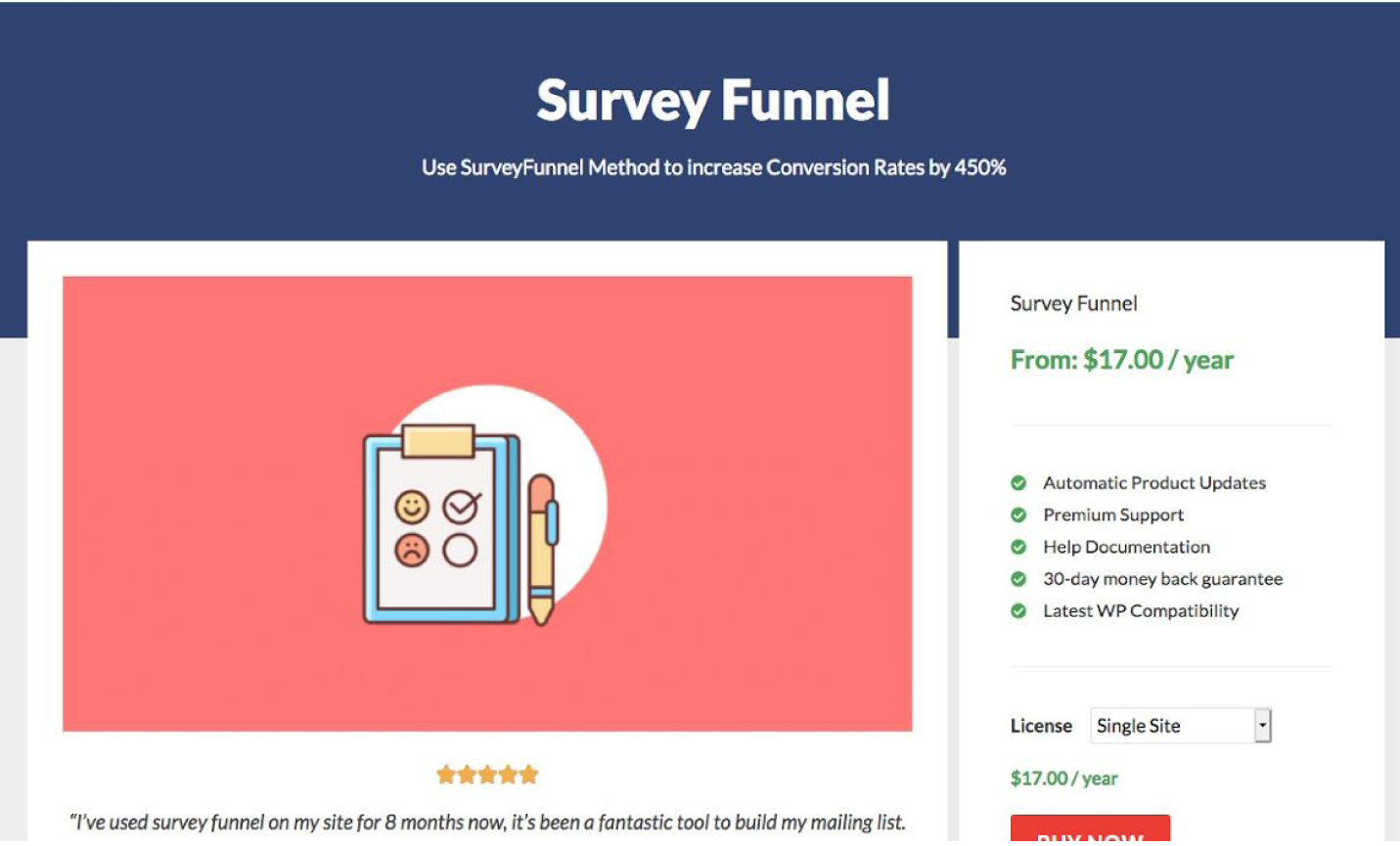
The Survey Funnel is a user-friendly WordPress survey plugin that serves as an all-in-one toolkit specifically crafted to enhance your conversion rates through the utilization of surveys. This tool enables you to capture high-quality leads by engaging website visitors with straightforward survey inquiries, thereby helping you uncover the motivations behind their visits. This insight can then be used to create targeted opt-in offers. Furthermore, the plugin allows for the creation of surveys with an unlimited number of questions.
One notable feature of Survey Funnel is its responsive design, ensuring compatibility with all types of devices. The survey forms can be displayed on a single page or across multiple pages, with the option to order questions based on conditional logic.
Moreover, the plugin provides the capability to generate comprehensive survey data reports, offering the flexibility to trigger surveys on exit or link clicks. Survey Funnel seamlessly integrates with any WordPress theme, making it a versatile and effective tool for improving your website's performance.