E-Paper CMS
  • Home
  • E-Paper
  • Web Stories
Subscriber Login
Menu
HomeBlog
Blog

Why Colour Choices Matter in Web Design

admin Aug 07, 2025 1 view
Listen to this articleReady

Colour is one of the most overlooked tools in a web designer’s arsenal. It can guide attention, shape user perception, and influence how people feel when they land on your site. More importantly, colour choices can directly impact whether someone stays on the page or leaves within seconds.

It’s not just about picking pretty shades - it’s about using colour with intent.

First Glance: Setting the Tone Instantly

Before your headline gets read or your call-to-action gets clicked, your colour palette has already made an impression. Visitors process visual elements incredibly fast, and colour is one of the very first signals their brain reacts to.

That’s why your website’s colour scheme shouldn’t be an afterthought. Whether you want to convey professionalism, friendliness, sensuality, urgency, or calm, your palette needs to reflect that message clearly and consistently.

Understanding the Mood Behind Each Colour

Every colour triggers emotional cues. Here’s a simplified breakdown of what different colours typically represent:

  • Red – action, intensity, desire

  • Blue – stability, calm, reliability

  • Black – luxury, confidence, mystery

  • Pink – warmth, fun, romance

  • Purple – creativity, imagination, elegance

  • Green – peace, wealth, growth

  • Orange – excitement, energy, boldness

  • White – minimalism, clarity, openness

These aren’t strict rules, but understanding how colour affects people emotionally helps you align your design choices with your brand goals.

Colour and Identity Go Hand in Hand

Your website isn’t just a collection of pages - it’s your brand’s online persona. Just like tone of voice or typography, colour plays a major role in expressing that personality.

If your brand is playful or flirty, you might lean into pastels or brights. If you're going for elegance and edge, deep tones and high-contrast combinations can give off the right vibe.

Keeping this consistent across your entire site - from your homepage to popups to call-to-action buttons - creates a visual identity that people remember.

In some industries, colour psychology has been refined to an art form. For example, this guide on how creators use colour to attract and engage viewers shows how much influence colour has in shaping audience behavior in visually competitive environments. The same logic applies to any website where first impressions matter.

Simplicity Is Key: Don't Overdo It

Too many colours on a site can confuse users and create visual clutter. You’re better off selecting a limited palette and using it with purpose.

A clean, focused colour strategy might look like this:

  • One primary colour for brand consistency

  • A secondary colour to add contrast or highlight key sections

  • A neutral background (white, black, or grey) to let content breathe

  • One accent colour for calls to action or important links

Keeping this structure in place not only simplifies design decisions, but it also makes your site easier to navigate.

Function Comes Before Flash

A gorgeous colour palette doesn’t mean much if users can’t read the content. Always prioritize legibility. That means:

  • Dark text on light backgrounds

  • Light text on dark backgrounds

  • Avoiding neon-on-neon or low-contrast combos

  • Making sure buttons, links, and forms stand out clearly

If users have to squint or guess what’s clickable, they’ll leave. Accessibility matters too - colour choices should meet contrast standards so your site works for all users.

Directing Attention With Accents

Colour is a powerful way to control what people look at. By using accent colours intentionally, you can steer focus toward specific elements:

  • A bright button stands out on a muted background

  • A warning label can use red to communicate urgency

  • Highlighted links or calls-to-action can use a warm tone to attract clicks

The trick is to reserve accent colours for the things you really want users to notice. If everything’s competing for attention, nothing wins.

Keep It Consistent Across the Board

One of the biggest mistakes in web design is colour inconsistency. If your header uses one shade of blue, your buttons another, and your links a third, users will be left with a chaotic experience.

Consistency builds visual trust. It tells users that your site is deliberate and polished. This applies not just to colours, but also to spacing, fonts, and layout.

Once you’ve chosen your palette, stick with it - in your UI, graphics, icons, and even social media assets.

Practical Tools for Choosing the Right Colours

If you’re not a natural at picking colours, don’t worry. There are plenty of tools to help you build a great palette:

  • Coolors – Instantly generates colour schemes with hex codes

  • Adobe Color – Explore harmony rules like complementary or analogous schemes

  • Material Palette – Helps choose UI-friendly palettes based on Google’s Material Design

  • Contrast Checker – Verifies accessibility compliance with colour contrast ratios

With the right tools, you can experiment quickly and lock in a palette that matches your goals.

The Payoff: Engagement That Sticks

When your colour choices line up with your brand, your content, and your audience’s expectations, the whole experience feels seamless. Visitors stay longer, click more, and build stronger connections with your brand.

On the flip side, bad colour choices confuse people, make your site feel amateur, and push potential customers away before they even read a word.

You don’t need to be a designer to get colour right - you just need to think intentionally.


Bottom line: colour isn’t decoration. It’s strategy. And when used effectively, it becomes one of your most powerful tools for grabbing attention and building trust from the very first second.

Want to see how creators are using colour strategically in some of the most competitive visual spaces online? Here’s a breakdown that dives into real-world colour psychology and why it works.
Latest posts

Introducing the Power of AI-Powered GetResponse Email Newsletter:Best Email Marketing Software: A Comprehensive Comparison for Empowering Your Marketing EffortsHow to Make Sure Emails Don't Go to Spam? SMTP Using Amazon SESSend WordPress contact email with WP Mail SMTP ProTop 5 Email Marketing Service Provider for Small Business Marketers

Popular posts

01How to easily set up a Google Analytics Stats Dashboard on WordPress 10 views02How To Easily Set Up Form Conversion Tracking in WordPress (Google Analytics) 0 views03Do You Know Which Keywords People Use To Find Your Website on Google? 0 views04MonsterInsights: Track your Website by Google Analytics inside WordPress Dashboard 0 views

Cricket scores

No cricket matches are available.

Weather

Weather28°
Feels like
30°
Humidity
54%
Wind
13 km/h

Latest e-paper

E-Paper

2026-10-12

Facebook

Instagram

New edition: | 12 Oct 2026 Read now: https://200.wpwebsmartz.com/view.php?id=812 Oct 2026Discover a dedicated solution for digital newspaper management with the WPWebsmartz E-Paper CMS. This content management system is specifically designed for managing and publishing digital e-paper editions. Watch this video to explore the core capabilities of the WPWebsmartz E-Paper CMS for digital publishing and newspaper management. Learn more here: https://license.wpwebsmartz.com/epaper_standalone.php #WPWebsmartz #EPaper #EPaperCMS #DigitalPublishing #CMS #NewspaperCMS https://www.youtube.com/watch?v=vb34qg709OQ07 Oct 2026Discover the WPWebsmartz E paper CMS. Explore the dedicated system designed for managing and publishing your e-paper content online. Click the link to learn more about the features and capabilities of WPWebsmartz E paper CMS today. #WPWebsmartz #Epaper #CMS #DigitalPublishing https://license.wpwebsmartz.com/epaper_standalone.php07 Oct 2026Discover the WPWebsmartz E paper CMS. Explore the dedicated system designed for managing and publishing your e-paper content online. Click the link to learn more about the features and capabilities of WPWebsmartz E paper CMS today. #WPWebsmartz #Epaper #CMS #DigitalPublishing https://license.wpwebsmartz.com/epaper_standalone.php07 Oct 2026Are you looking for fully managed dedicated server hosting? A managed dedicated server is always required to get the best performance for your platform. Check out our full Liquid Web Managed Dedicated Server Hosting review to learn more. #LiquidWeb #DedicatedServer #WebHosting #ManagedHosting #HostingReview https://wpwebsmartz.com/liquidweb-fully-managed-dedicated-server-hosting/03 Oct 2026

YouTube

Add the YouTube URL or content URLs in Settings → Articles.

Featured posts

Top Staff Augmentation Companies in India
How Does WooCommerce Product Gallery Support Self-Hosted and Vimeo Videos?The Role of Server-Level Caching in WordPress PerformanceWhy Your Website Needs a Security Plan, Even If You Don't Handle Payments?Why Colour Choices Matter in Web Design

Horoscope

♈ಮೇಷ♉ವೃಷಭ♊ಮಿಥುನ♋ಕರ್ಕಾಟಕ♌ಸಿಂಹ♍ಕನ್ಯಾ♎ತುಲಾ♏ವೃಶ್ಚಿಕ♐ಧನು♑ಮಕರ♒ಕುಂಭ♓ಮೀನು

E-Paper clips

The latest editions do not contain hotspot clips yet.

Web Stories

8 slidesData-Safe WordPress Hosting with Built-In Backup Support 

Reader Survey

Reader Survey

Register your interest and tell us how to contact you.

Your name
Your email address
Which session will you attend?

Related Stories

Dedicated Servers vs Cloud Servers: Which Is Better for High-Traffic Websites in 2026?
Blog

Dedicated Servers vs Cloud Servers: Which Is Better for High-Traffic Websites in 2026?

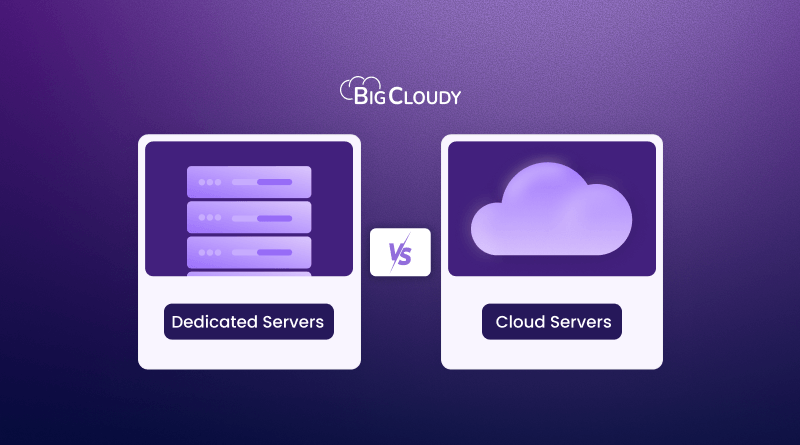
A sudden traffic spike can be great for your business, but not if your server cannot keep up. As visitors increase, so do database queries, concurrent connections and resource usage. That is where the choice between a dedicated server and a cloud server starts to matter. Cloud servers give you the flexibility to scale

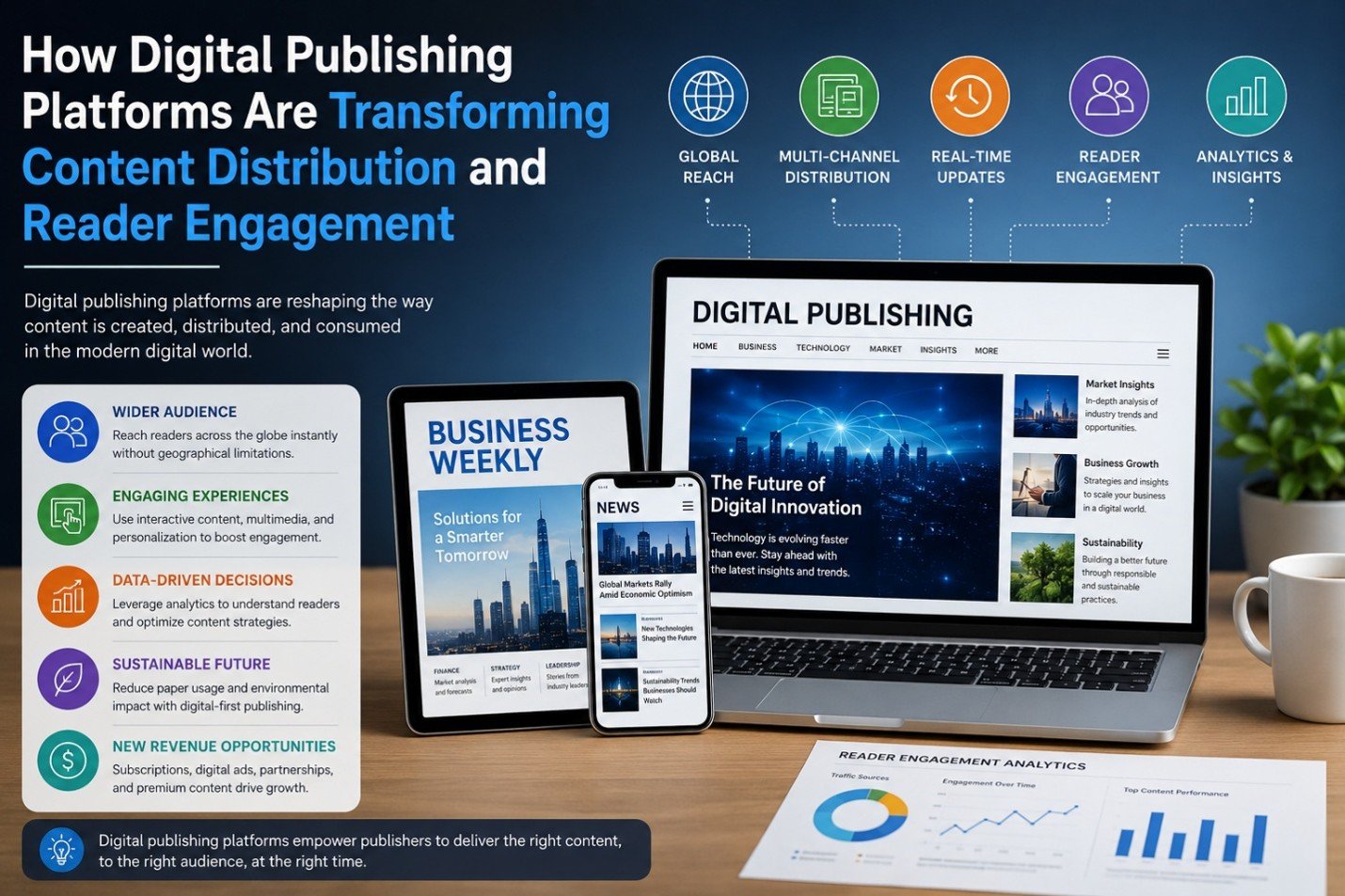
How Digital Publishing Platforms Are Transforming Content Distribution and Reader Engagement
Blog

How Digital Publishing Platforms Are Transforming Content Distribution and Reader Engagement

The past decade has witnessed phenomenal shifts in the publishing sector. Digital publishing solutions continue to support – and in many cases, transform - print-centric solutions for providing information across business and media applications ranging from business, news and trade magazines to ebooks. The solutions al

The Impact of AI on SEO and Content Marketing
Blog

The Impact of AI on SEO and Content Marketing

The Impact of AI on SEO and Content Marketing

How to Create a Better Ordering Process for Personalized Products
Blog

How to Create a Better Ordering Process for Personalized Products

Have you ever been excited to buy something personalized, only to get stuck halfway through the ordering process and think, “I'll come back to this later”? Most people never come back. That’s the frustrating part. The customer already wants the product. They aren’t comparing ten competitors. They aren’t debating whethe

Why Every WooCommerce Store Needs a Side Cart
Blog

Why Every WooCommerce Store Needs a Side Cart

Have you ever added something to an online cart and then been immediately redirected to a completely different page? It’s frustrating. You were browsing and comparing products and maybe thinking about buying a few more items. Then suddenly, you’re staring at the cart page instead of the products you wanted to keep expl

The First Backup Plugin with Free Native Cloud Storage
Blog

The First Backup Plugin with Free Native Cloud Storage

Website backups are among the most essential safeguards for any WordPress site. Updates don’t always go as planned, plugins can clash, and unexpected issues like security breaches or server downtime can occur at any time. In those situations, having a recent backup can mean restoring your site in minutes instead of reb

Latest NewsLive updates
  • Home
  • E-Paper
  • Web Stories
Logo

© 2025 E-Paper CMS. All rights reserved. | Developed by sunilubar.974@gmail.com

Epaper CMS by WPWebsmartz