How to Build a WordPress Website with Chat GPT or AI: A Comprehensive Guide
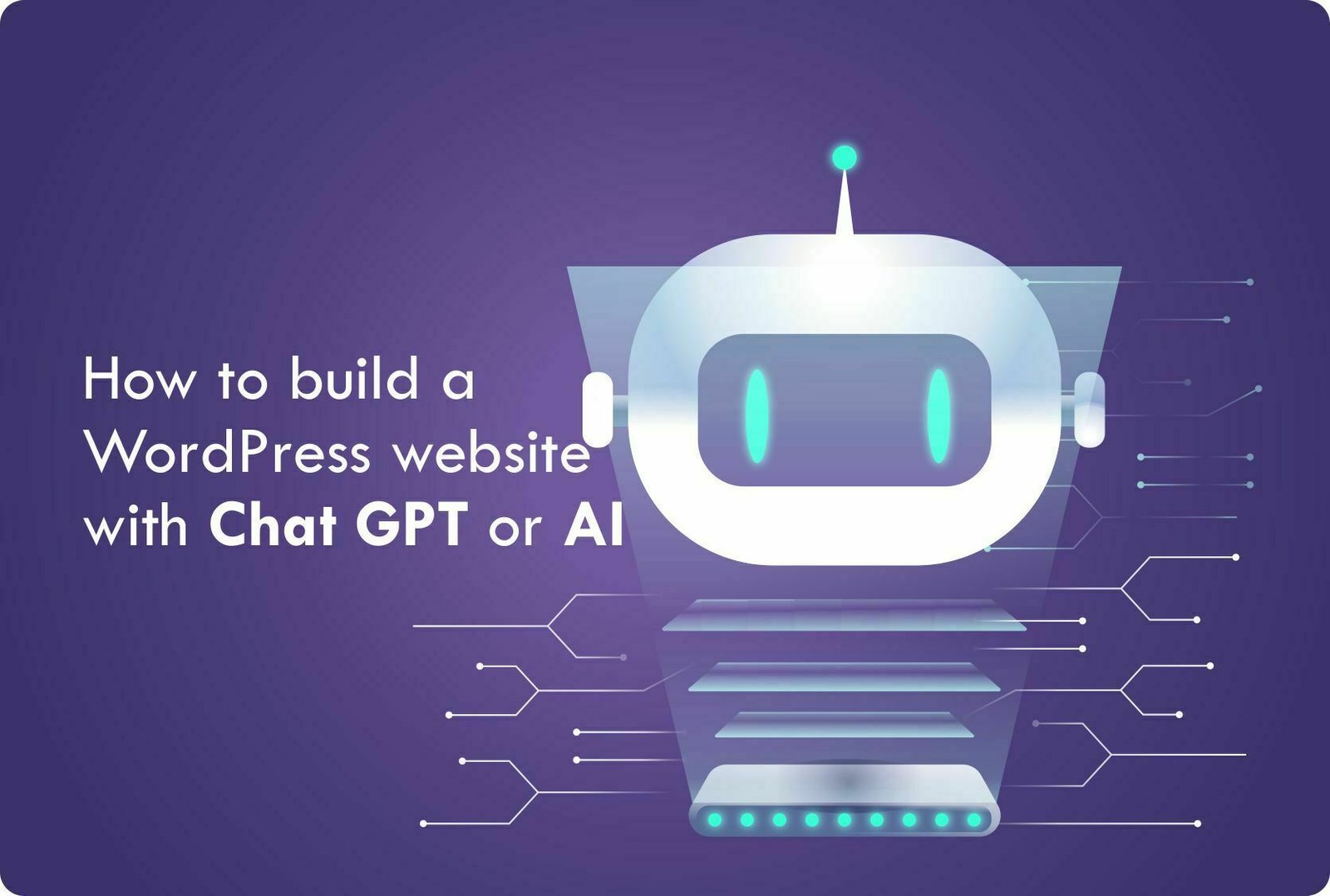
Introduction of How to build a WordPress website with chat GPT or AI
In today's digital era, having a dynamic and engaging website is crucial for businesses and individuals alike. As technology advances, integrating artificial intelligence (AI) tools into websites has become a popular trend. One such tool is Chat GPT, a powerful language model developed by OpenAI. In this blog post, we will explore how you can leverage Chat GPT or AI to build a WordPress website that offers an interactive and personalized user experience. Whether you are a business owner, blogger, or developer, this guide will provide you with a step-by-step process to integrate Chat GPT into your WordPress website and enhance its functionality.
1. Understanding Chat GPT and AI
Before diving into the technical aspects, it is essential to understand what Chat GPT and AI are. Chat GPT is a state-of-the-art language model developed by OpenAI that uses deep learning techniques to generate human-like text responses. It is trained on a massive corpus of text data and can engage in conversational interactions with users. AI, on the other hand, refers to the simulation of human intelligence processes by machines, including speech recognition, decision-making, and natural language understanding.
2. Setting Up a WordPress Website
To build a WordPress website with Chat GPT, you need to have a WordPress installation. If you don't have one yet, follow these simple steps:
- Purchase a domain name and choose a reliable web hosting provider.
- Install WordPress on your web hosting account using a one-click installer or manual installation.
- Choose a suitable WordPress theme that aligns with your website's purpose and design preferences.
- Customize your website's appearance by configuring colors, fonts, logos, and other visual elements.
- Install essential plugins to enhance your website's functionality, such as caching plugins for performance optimization, security plugins, and SEO plugins.
3. Installing the Chat GPT Plugin
To integrate Chat GPT into your WordPress website, you need to install a plugin that connects with the Chat GPT API. Follow these steps to install the Chat GPT plugin:
- Log in to your WordPress dashboard.
- Navigate to the "Plugins" section and click on "Add New."
- In the search bar, enter "Chat GPT" and click on "Search Plugins."
- Locate the Chat GPT plugin and click on "Install Now."
- After installation, click on "Activate" to enable the plugin.
4. Configuring the Chat GPT Plugin
Once the plugin is activated, you need to configure it to connect with the Chat GPT API and customize its settings. Here's how:
- In the WordPress dashboard, find the Chat GPT plugin in the sidebar and click on "Settings."
- Enter your API key, which you can obtain from the OpenAI website.
- Specify the desired language settings, such as the default language and any additional supported languages.
- Choose the conversation style and design options that align with your website's aesthetics.
- Configure the chatbot's behavior, such as response delay, typing indicators, and error messages.
- Set up user authentication if you want to track and personalize conversations for registered users.
5. Designing Chatbot Interfaces
To provide a seamless user experience, you need to design chatbot interfaces that blend well with your website's layout and design. Consider the following aspects:
- Choose an appropriate location for the chatbot interface, such as a floating button, sidebar widget, or embedded chat window.
- Customize the appearance of the chatbot interface, including colors, icons, and animations.
- Ensure that the chatbot interface is responsive and compatible with different screen sizes and devices.
- Implement a user-friendly chatbot layout that facilitates easy interaction and navigation.
- Incorporate appropriate greetings, welcome messages, and call-to-action prompts to engage users effectively.
6. Training Chat GPT for Website-Specific Queries
While Chat GPT provides impressive out-of-the-box performance, fine-tuning it for your website's specific queries can significantly improve its accuracy and relevance. Here's how to train Chat GPT for website-specific queries:
- Identify the frequently asked questions (FAQs) and common user queries related to your website's content or services.
- Prepare a training dataset comprising these FAQs and queries, ensuring diversity and coverage of potential user inputs.
- Utilize the OpenAI API to fine-tune Chat GPT using the training dataset. This process involves providing model-generated responses and refining them with human reviewers to create a high-quality training set.
- Iterate the training process by collecting feedback from users and reviewers, continuously refining and improving the chatbot's responses.
7. Testing and Optimizing the Chat GPT Integration
Before deploying the Chat GPT integration on your live website, thorough testing is essential to ensure its functionality and performance. Consider the following testing and optimization steps:
- Conduct extensive testing by interacting with the chatbot and evaluating its responses for accuracy, relevance, and coherence.
- Analyze user feedback and identify areas for improvement, such as misunderstood queries or incorrect answers.
- Continuously iterate the training process to incorporate user feedback, update FAQs, and enhance the chatbot's performance.
- Monitor the chatbot's performance using analytics tools, tracking metrics like response times, user satisfaction, and conversion rates.
- Optimize the chatbot's performance by analyzing user conversations, identifying patterns, and refining the training dataset.
8. Scaling Up and Advanced Customizations
Once you have successfully integrated Chat GPT into your WordPress website, you can consider scaling up and implementing advanced customizations, such as:
- Integration with other AI services or plugins to enhance the chatbot's capabilities, such as sentiment analysis, language translation, or voice recognition.
- Advanced user authentication and personalization features to deliver tailored experiences based on user profiles and preferences.
- Integration with e-commerce platforms or customer relationship management (CRM) systems to handle inquiries, support tickets, or sales-related interactions.
- A/B testing different versions of the chatbot to measure performance and determine the most effective design and response strategies.
- Regular updates and maintenance to keep the chatbot and supporting plugins up to date, ensuring security, compatibility, and optimal performance.
9. Final Thoughts and Future Possibilities
Integrating Chat GPT or AI into your WordPress website can transform the way you interact with your users and provide personalized experiences at scale. With its conversational abilities and advanced language processing, Chat GPT can engage users, handle inquiries, and offer real-time support.
As technology continues to evolve, the potential applications of AI in web development are boundless. From voice-enabled interfaces to predictive analytics, AI-driven websites are opening up new possibilities for businesses and individuals.
However, it's crucial to strike a balance between automation and human touch, ensuring that AI tools enhance rather than replace human interactions. By understanding the capabilities and limitations of AI, you can leverage tools like Chat GPT
to build compelling and user-centric WordPress websites.
Remember, building a successful AI-integrated website requires continuous improvement, monitoring, and optimization based on user feedback and changing trends. Embrace the power of AI while keeping an eye on emerging technologies and possibilities.
In conclusion, by following the steps outlined in this guide and staying up to date with advancements in AI, you can create a WordPress website that incorporates Chat GPT or AI, providing an interactive and engaging user experience.