E-Paper CMS
  • Home
  • E-Paper
  • Web Stories
Subscriber Login
Menu
HomeBlog
Blog

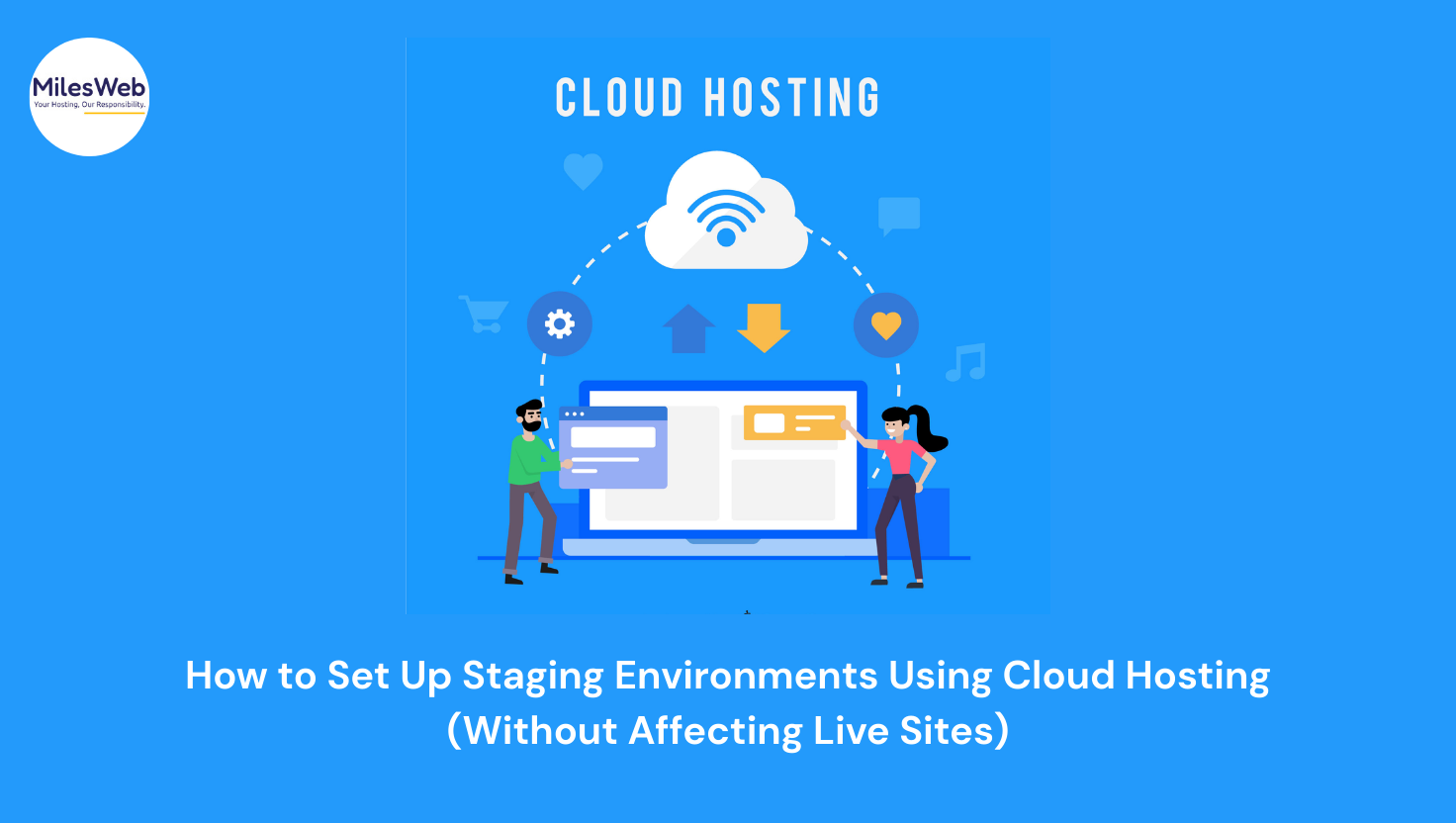
How to Set Up Staging Environments Using Cloud Hosting (Without Affecting Live Sites)
admin Aug 28, 2025 2 views
How to Set Up Staging Environments Using Cloud Hosting (Without Affecting Live Sites)
Listen to this articleReady

What if the new product launch causes the website to crash? The sales drop, and users complain. Hence, the staging environment exists. It acts as a safety net for your website where you can test and experiment without touching the live version. And with cloud shared hosting, setting up a staging environment has never been easier, or more essential.

In this blog, let’s break down how affordable cloud hosting helps you build staging environments at less cost. Decode their benefits and the exact steps to do it without disrupting the production website. 

What Is a Staging Environment, and Why Does It Matter?

A staging environment is a replica of the live website where you test changes, new designs, plugin updates, or entire features before going live. Think of it as your website’s private rehearsal stage. 

When you use a staging website, bugs, broken layouts, or slowness can't affect your customer experience. This matters more to some businesses than others. If you rely on uptime for revenue, like most e-commerce stores, news websites, or SaaS products, you cannot afford to risk an update going wrong. If your site is your storefront, you must protect the customer experience.

Why Cloud Hosting Makes Staging Easier?

Cloud hosting gives a flexible infrastructure where resources are scalable, easy to clone, and isolated, unlike conventional hosting, which might force you into shared environments or complicated setup processes. The cloud platforms let you spin up new instances, snapshots, or containers instantly. 

What this means is that you are able to make a replica of your live website, update the website on that replica, and revert these changes to production all without having to worry about managing heavy hardware or slow provisioning.

A Step-by-Step Setup of a Staging Environment

It is time to look at what exactly is left to do using cloud hosting service providers, such as MilesWeb, step by step. 

Step 1: Cloning of the Live Site

You have website duplicator tools so that you can copy the files and database of your live site. Make sure that the transfer of all the content and plugins is done correctly. 

Step 2: Initialize a New Cloud Instance

Initializing a new instance in the cloud. With the control panel you can use by the provider uses, you can opt for the same stack as your live site. 

Step 3: Start the Clone

Copy the database and upload the files of your website to the new instances. Copy the staging database configuration files (wp-config.php or .env) to the staging database. 

Step 4: Add domain/Subdomain

Set up a subdomain of your staged site and make it a target for the cloud instances. It guarantees intimate staging. 

Step 5: Secure It

Password-protect the staging site using HTTP authentication or IP restrictions so search engines (and users) don’t find it.

Automated Staging Tools Some Hosts Offer

Cloud hosting providers like MilesWeb offer managed WordPress hosting. It offers one-click staging environments. These features help web masters to streamline the website staging process without putting too much technical know-how.

These tools are ideal for teams that regularly test features and want to reduce the technical complexity of managing multiple environments.

Keeping Your Staging and Production Sites in Sync

It is not enough just to copy your website once. For staging environments to be useful, they need to be updated frequently with the updated content, user behaviour, and data. Cloud hosting allows you to set automated sync schedules or use version control (like Git) to keep your staging and production environments aligned.

This ensures that your testing reflects real-world conditions, and your deployment process becomes smoother over time.

Common Pitfalls and How to Avoid Them

Setting up a staging environment can be problematic. For example, you can forget to block emails (which may confuse real users) or forget to noindex a staging site in Google (which causes duplicate content issues).

Therefore, it is always essential to check your settings, disable caching, block crawlers, and separate credentials. Some of the cloud hosting dashboard and monitoring tools may provide early notices of the issues before they affect your production website.

Conclusion

In such a digital world, it is a must to have a staging environment, as a single update can ruin your site or make it the best. Using cloud hosting, it is easier, more scalable as well and secure to create this environment as compared to the past. 

With the help of the cloud staging, you will be able to test, build, and iterate without any kind of penalty, screwing up your brand and trust among users. Regardless of being a one-man blog or an enterprise complex web app and dozens of people involved in them, staging offers a framework that allows for innovate with certainty.
Latest posts

Introducing the Power of AI-Powered GetResponse Email Newsletter:Best Email Marketing Software: A Comprehensive Comparison for Empowering Your Marketing EffortsHow to Make Sure Emails Don't Go to Spam? SMTP Using Amazon SESSend WordPress contact email with WP Mail SMTP ProTop 5 Email Marketing Service Provider for Small Business Marketers

Popular posts

01How to easily set up a Google Analytics Stats Dashboard on WordPress 10 views02How To Easily Set Up Form Conversion Tracking in WordPress (Google Analytics) 0 views03Do You Know Which Keywords People Use To Find Your Website on Google? 0 views04MonsterInsights: Track your Website by Google Analytics inside WordPress Dashboard 0 views

Cricket scores

No cricket matches are available.

Weather

Weather29°
Feels like
30°
Humidity
53%
Wind
13 km/h

Latest e-paper

E-Paper

2026-10-12

Facebook

Instagram

New edition: | 12 Oct 2026 Read now: https://200.wpwebsmartz.com/view.php?id=812 Oct 2026Discover a dedicated solution for digital newspaper management with the WPWebsmartz E-Paper CMS. This content management system is specifically designed for managing and publishing digital e-paper editions. Watch this video to explore the core capabilities of the WPWebsmartz E-Paper CMS for digital publishing and newspaper management. Learn more here: https://license.wpwebsmartz.com/epaper_standalone.php #WPWebsmartz #EPaper #EPaperCMS #DigitalPublishing #CMS #NewspaperCMS https://www.youtube.com/watch?v=vb34qg709OQ07 Oct 2026Discover the WPWebsmartz E paper CMS. Explore the dedicated system designed for managing and publishing your e-paper content online. Click the link to learn more about the features and capabilities of WPWebsmartz E paper CMS today. #WPWebsmartz #Epaper #CMS #DigitalPublishing https://license.wpwebsmartz.com/epaper_standalone.php07 Oct 2026Discover the WPWebsmartz E paper CMS. Explore the dedicated system designed for managing and publishing your e-paper content online. Click the link to learn more about the features and capabilities of WPWebsmartz E paper CMS today. #WPWebsmartz #Epaper #CMS #DigitalPublishing https://license.wpwebsmartz.com/epaper_standalone.php07 Oct 2026Are you looking for fully managed dedicated server hosting? A managed dedicated server is always required to get the best performance for your platform. Check out our full Liquid Web Managed Dedicated Server Hosting review to learn more. #LiquidWeb #DedicatedServer #WebHosting #ManagedHosting #HostingReview https://wpwebsmartz.com/liquidweb-fully-managed-dedicated-server-hosting/03 Oct 2026

YouTube

Add the YouTube URL or content URLs in Settings → Articles.

Featured posts

Top Staff Augmentation Companies in India
How Does WooCommerce Product Gallery Support Self-Hosted and Vimeo Videos?The Role of Server-Level Caching in WordPress PerformanceWhy Your Website Needs a Security Plan, Even If You Don't Handle Payments?Why Colour Choices Matter in Web Design

Horoscope

♈ಮೇಷ♉ವೃಷಭ♊ಮಿಥುನ♋ಕರ್ಕಾಟಕ♌ಸಿಂಹ♍ಕನ್ಯಾ♎ತುಲಾ♏ವೃಶ್ಚಿಕ♐ಧನು♑ಮಕರ♒ಕುಂಭ♓ಮೀನು

E-Paper clips

The latest editions do not contain hotspot clips yet.

Web Stories

8 slidesData-Safe WordPress Hosting with Built-In Backup Support 

Reader Survey

Reader Survey

Register your interest and tell us how to contact you.

Your name
Your email address
Which session will you attend?

Related Stories

Dedicated Servers vs Cloud Servers: Which Is Better for High-Traffic Websites in 2026?
Blog

Dedicated Servers vs Cloud Servers: Which Is Better for High-Traffic Websites in 2026?

A sudden traffic spike can be great for your business, but not if your server cannot keep up. As visitors increase, so do database queries, concurrent connections and resource usage. That is where the choice between a dedicated server and a cloud server starts to matter. Cloud servers give you the flexibility to scale

How Digital Publishing Platforms Are Transforming Content Distribution and Reader Engagement
Blog

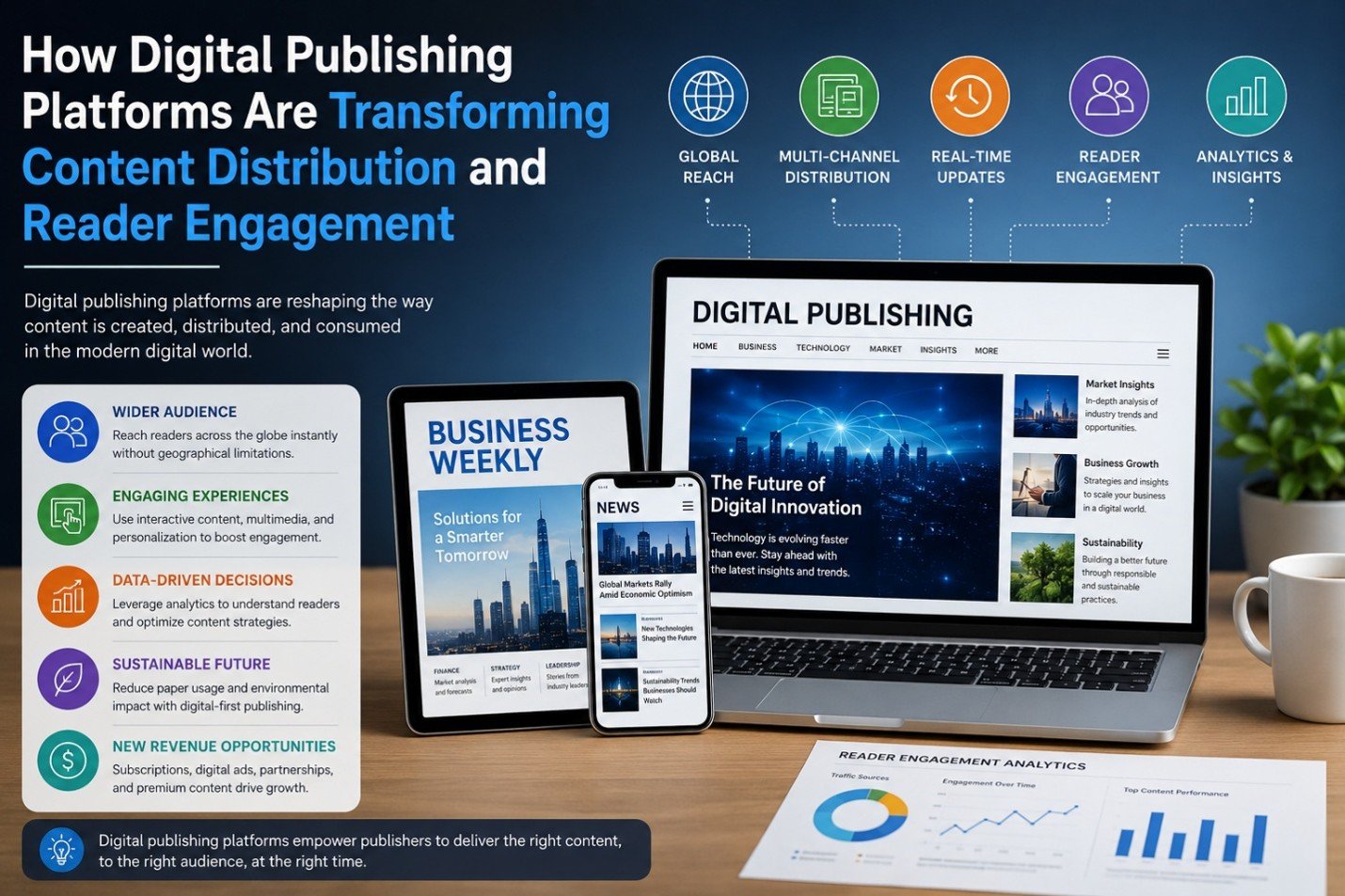
How Digital Publishing Platforms Are Transforming Content Distribution and Reader Engagement

The past decade has witnessed phenomenal shifts in the publishing sector. Digital publishing solutions continue to support – and in many cases, transform - print-centric solutions for providing information across business and media applications ranging from business, news and trade magazines to ebooks. The solutions al

The Impact of AI on SEO and Content Marketing
Blog

The Impact of AI on SEO and Content Marketing

The Impact of AI on SEO and Content Marketing

How to Create a Better Ordering Process for Personalized Products
Blog

How to Create a Better Ordering Process for Personalized Products

Have you ever been excited to buy something personalized, only to get stuck halfway through the ordering process and think, “I'll come back to this later”? Most people never come back. That’s the frustrating part. The customer already wants the product. They aren’t comparing ten competitors. They aren’t debating whethe

Why Every WooCommerce Store Needs a Side Cart
Blog

Why Every WooCommerce Store Needs a Side Cart

Have you ever added something to an online cart and then been immediately redirected to a completely different page? It’s frustrating. You were browsing and comparing products and maybe thinking about buying a few more items. Then suddenly, you’re staring at the cart page instead of the products you wanted to keep expl

The First Backup Plugin with Free Native Cloud Storage
Blog

The First Backup Plugin with Free Native Cloud Storage

Website backups are among the most essential safeguards for any WordPress site. Updates don’t always go as planned, plugins can clash, and unexpected issues like security breaches or server downtime can occur at any time. In those situations, having a recent backup can mean restoring your site in minutes instead of reb

Latest NewsLive updates
  • Home
  • E-Paper
  • Web Stories
Logo

© 2025 E-Paper CMS. All rights reserved. | Developed by sunilubar.974@gmail.com

Epaper CMS by WPWebsmartz