How to Set Up Role-Based Pricing in WooCommerce (Step-by-Step Guide)
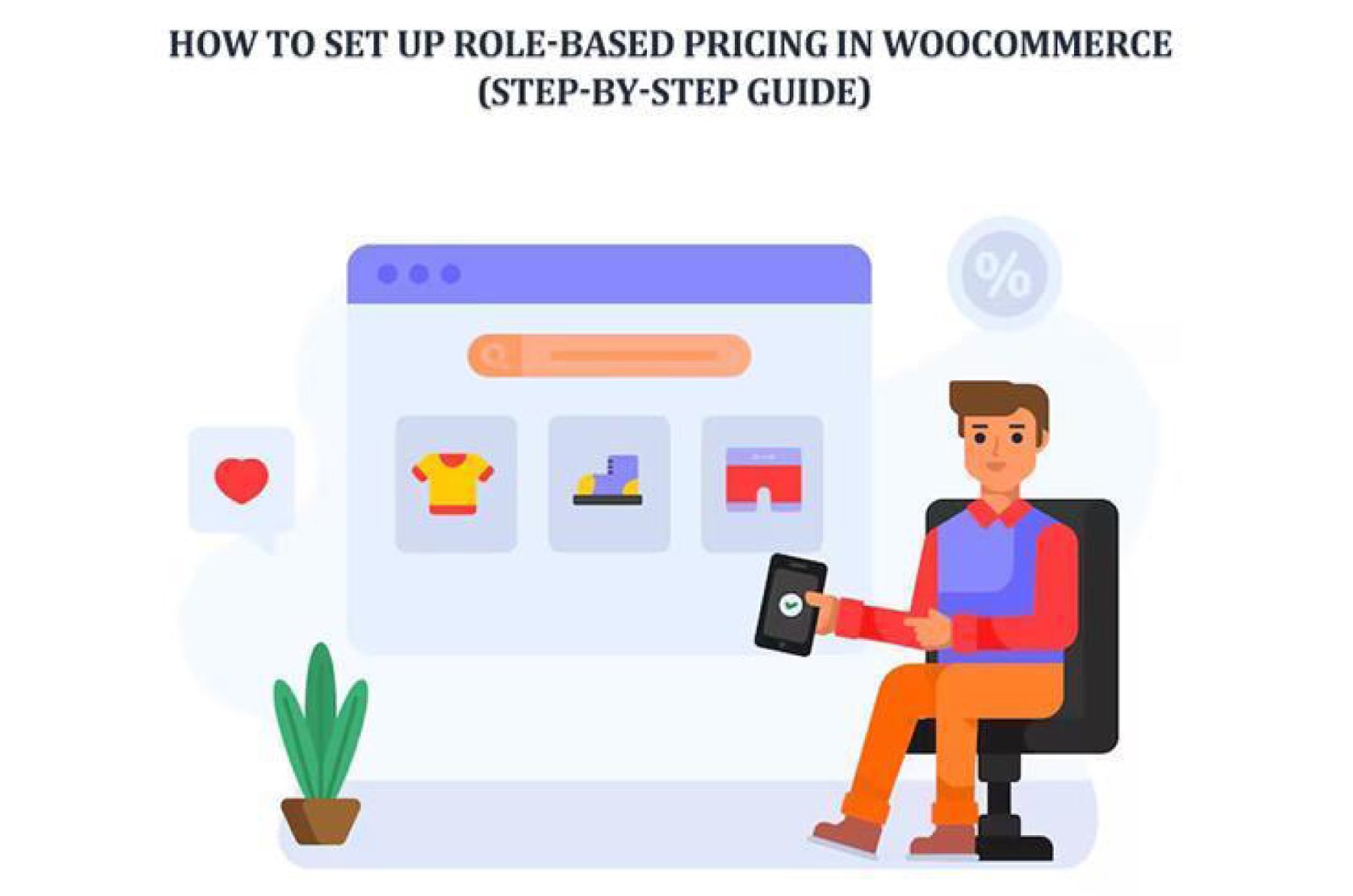
Ever ask yourself why some stores show different prices to different people? Like magic. One customer sees a discount. Another sees a higher rate. A third sees nothing at all. How does that even happen without someone sitting behind the screen changing prices every minute? The truth is simple. A small system. A clever setup. A plugin doing quite heavy lifting. And suddenly your WooCommerce store becomes a multi-layered pricing machine.
Role-based pricing isn’t some fancy trick. It’s a tool. A way to talk to each customer group differently. Whispering different numbers. Offering special treatment. Making things feel personal. Human. And in this guide, we walk through the whole setup from scratch. Slowly. Calmly.
User Role Pricing Manager for WooCommerce, a plugin that handles everything per-product pricing, variation rules, discounts, visibility, bulk updates, and clean shortcodes. The journey begins simple. Then grows. But don’t worry. I keep it easy. Let’s dive in.
What Is Role-Based Pricing in WooCommerce?
Role-based pricing is like running many shops inside one shop. Quietly. Neatly. No chaos. When a user logs in, WooCommerce checks their role. Then the system shows a price built for that role and not for others. Guests see one thing. Wholesale buyers see another. Members get their own special deal. Staff see internal pricing. It just works.
People love it because it feels natural. No one fights with settings. No “oops I showed wholesale pricing to regular customers.” No chaos on product pages. Just a clean, smart flow.
You use role-based pricing for:
- Wholesale stores selling in bulk
- Membership sites with exclusive deals
- B2B shops that hide prices
- Loyalty programs
- Multi-tier discount structures
- Shops where guests should see minimal info
It’s powerful. Flexible. And honestly, makes your store feel more alive.
Why Use Role-Based Pricing?
Picture this for a moment. You run a store. You have many customers of different types. One group buys in bulk. Other buys for personal use. A third wants special membership perks. You can’t give everyone the same price. It doesn’t work. It breaks margins. It confuses buyers. And it limits growth.
Role-based pricing steps in. Softly. It helps you build neat categories of buyers. Each gets their own deal. And your store becomes more organized. More profitable. More controlled.
You gain things like:
- Better margins
- Clearer product pages
- Faster management
- Personalized customer experience
- Less repetitive editing
- Cleaner price visibility
It’s one of those features that, once installed, becomes “how did I ever run a store without this?”
The Plugin You Need: User Role Pricing Manager for WooCommerce
This plugin is the heart of the system. A clean and flexible way to set different prices for different user roles. It doesn’t fight WooCommerce. It blends into it. Which is ideal. No stress. No conflicts.
What it gives you:
- Per-role prices
- Variation-level control
- Percentage discounts
- Hide price / hide Add to Cart
- Bulk price editing
- Import/export via CSV
- Custom notifications
- Smart shortcodes
- Smooth display logic
And yes, it works with both simple and variable products. No tech headaches. Just options. The plugin also lets you set up WooCommerce custom pricing by user role without touching code or dealing with messy workarounds.
Step 1: Install and Activate the Plugin
This part is simple. Straightforward. No drama.
- Open Plugins → Add New
- Upload the plugin ZIP
- Click Install Now
- Click Activate
Once activated, you’ll see new pricing sections inside product pages and an entire bulk editor added to the WooCommerce admin. It settles in quietly, as it belongs there from day one.
Step 2: Create or Assign User Roles
You need user roles before you assign prices. Roles are what the plugin checks. You can use the built-in ones or create fresh ones. Depends on your story.
Common built-in roles:
- Customer
- Subscriber
- Shop Manager
- Administrator
You can also create custom roles like:
- Wholesale
- VIP
- Dealers
- Staff
- Gold Members
- Bronze Members
If you need more roles, install “User Role Editor” or something similar. Assign roles to users. Done. You’re ready.
Step 3: Enable Role-Based Pricing in Plugin Settings
Now let’s switch things on. Turn the lights on, basically.
Go to:
WooCommerce → Role Pricing
Here you’ll see options to:
- Enable plugin behavior
- Show item-level settings
- Exclude user roles
- Display or hide notifications
- Customize messages
You can show a note like, “Login to see member pricing.” Or hide certain roles you don’t need. It’s flexible. You shape the environment.
Step 4: Set Up Pricing for a Simple Product
This is where the story gets real. We start touching prices. Open any simple product. Scroll to the Role-Based Pricing table. A clean list of user roles appears. For each role, you can type:
- A regular price
- A sale price
- Or set a percentage discount
Toggle the switch. Enter values. Save. Done.
Wholesale users see one price.
Members see another.
Guests may see nothing at all.
Feels smooth. Feels like control.
Step 5: Set Up Pricing for Variable Products
Now the slightly tricky one. Variations. But the plugin handles it nicely. Each variation has its own little pricing wizard.
Open a product variation → scroll to its role-based tab → enable pricing → enter numbers → save.
You can set:
- Regular and sale price per role
- Variation-specific percentage discounts
- Visibility rules
Some variations may be discounted for staff. Others are only for VIPs. Others were left untouched. This is the beauty, complete control.
Step 6: Apply Percentage-Based Discounts Automatically
Sometimes you don’t want to type prices for every product. Too slow. Too boring. Too error-prone. You want automation.
Enter percentage discounts.
Just type something like:
- Wholesale gets 20% off
- Members get 10% off
The plugin calculates everything. If you change the main WooCommerce price later, the role price auto-updates. You never recall anything. It’s like having a tiny accountant living inside WooCommerce.
Step 7: Hide Prices or Hide Add to Cart Button
Maybe you don’t want everyone to see prices. Some stores prefer secrecy. Or require login. Or want users to request quotes.
This plugin lets you:
- Hide prices
- Hide Add to Cart
- Hide both
- Show custom messages
For example:
“Login to view wholesale rates.”
or
“This price is for members only.”
It clears confusion. Customers know exactly what’s missing and why. This makes browsing smoother.
Step 8: Display Role-Based Prices with Shortcodes
Sometimes you want to show prices somewhere special. It could be inside a membership dashboard. A landing page. Sidebar. Anywhere.
Step 9: Manage Pricing with the Bulk Editor
When your catalog grows large, editing one by one becomes a nightmare—a slow marathon. The bulk editor saves you.
Inside the plugin’s Bulk Editor, you can:
- Add new prices in batches
- Update existing prices
- Remove pricing for many products
- Handle variations
- Apply bulk rules
It’s fast. Satisfying too. Feels like sweeping a messy room in one go.
Step 10: Import or Export Pricing Data
If you like spreadsheets, or you manage multiple stores, or you handle client work, this feature is gold.
Export pricing → edit in CSV → import back.
No manual clicking. No endless form fields. Perfect for big inventories. Perfect for migrations. Or even simple backups when you want peace of mind.
Conclusion
So here we are. Role-based pricing isn’t complicated. Not anymore. With the right plugin, your WooCommerce store becomes a smart, flexible system that talks differently to each user group. You build prices for wholesale buyers, members, VIPs, staff, distributors, guests—anyone. They all get a personalized view. A personalized rate. A unique experience.
And the beauty? You only set it once. Then it just works.
In silence.
In the background.
Every day.
The User Role Pricing Manager for WooCommerce gives you all the tools you need: custom prices, variation control, discounts, hidden buttons, shortcodes, bulk editing, import/export, and clean user notifications—a full pricing engine built into WooCommerce.
Your store becomes more professional. More organized. More suited to each customer type. And you spend less time adjusting numbers and more time growing the business.